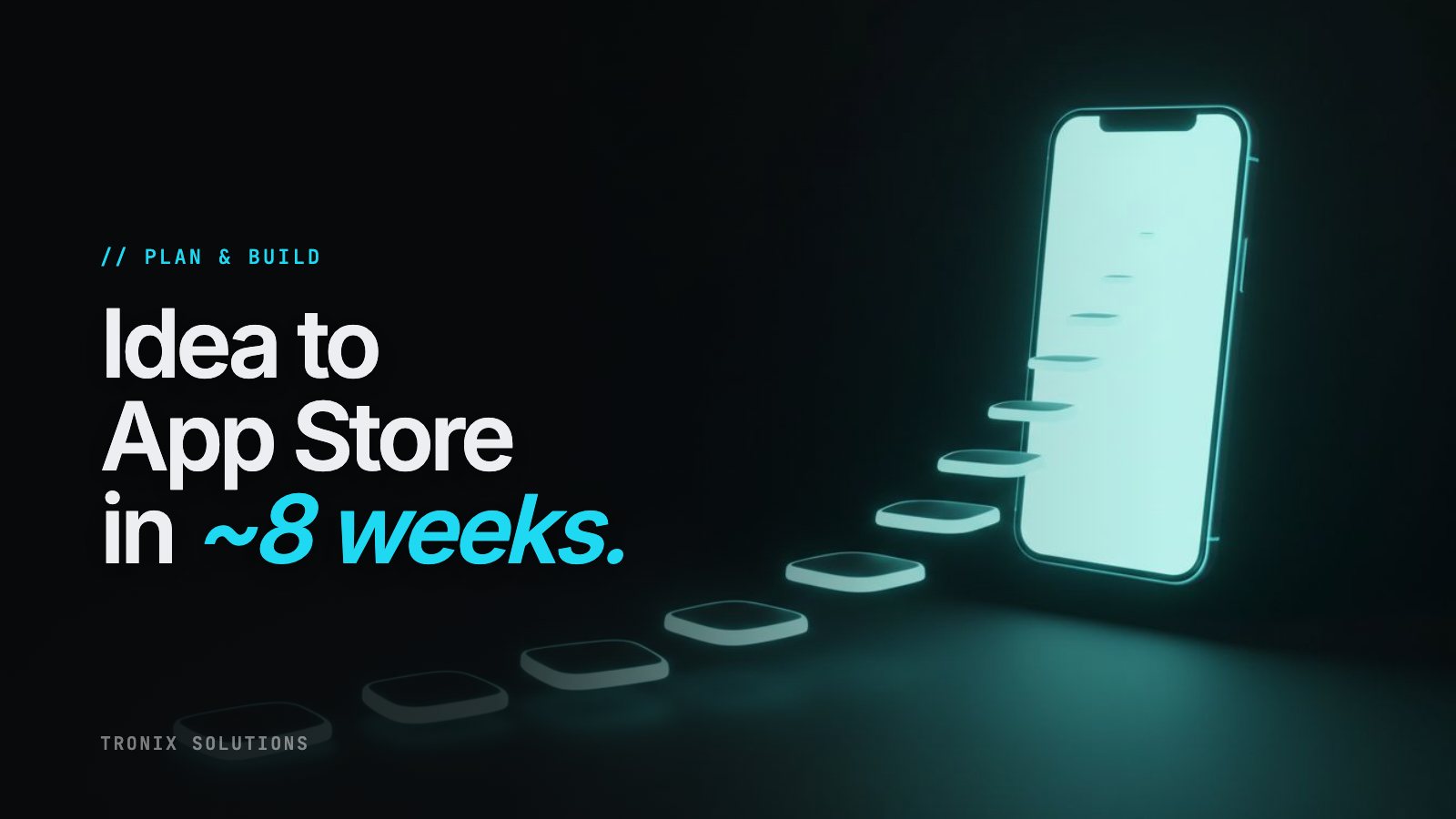
Most first versions we build launch in about eight weeks. Exact timing depends on scope, and we lock the date before we start. Here is what a typical schedule looks like.
- Week 1: Strategy and scope. We confirm the customer, the money model, and the exact features in version one.
- Week 2: Design. You see and approve every key screen before we build it.
- Weeks 3–5: Build. The core features come to life, and you get a working demo every week.
- Week 6: Payments and accounts. Subscriptions, sign-in, and the paywall go in.
- Week 7: Testing and polish. Real devices, real edge cases, and your feedback.
- Week 8: Launch. Store listings, screenshots, and review submission, plus your landing page and tracking.
What you do along the way
- Join a short weekly check-in and react to the demo.
- Approve designs and copy.
- Set up your Apple and Google developer accounts so the app is listed under your name.
To connect this schedule to delivery, read how we build web and mobile apps, including platform decisions, testing, store preparation, and handover.
Use the schedule as a planning outline
A calendar helps organize decisions, but it does not remove dependencies. Treat the week-by-week outline as a way to discuss sequence rather than proof that every product will take the same time. Existing code, payment requirements, access to third-party systems, and store review can change the path. Ask your team which work can proceed independently and which decisions block the next step.
Keep a short decision log with the question, the person responsible, and the evidence needed to answer it. A choice about user roles may affect both design and testing. Missing account access may prevent an integration from being exercised. Make these dependencies visible early so a demo does not conceal a release blocker behind polished screens.
Turn scope into acceptance examples
Before reviewing designs, describe what a successful journey looks like from beginning to end. A customer should be able to arrive, understand the offer, create an account if needed, complete the main task, and find their result again. Include an example of a failed attempt and how the person recovers. These examples give design and engineering a shared target.
Use plain language for acceptance criteria. Instead of saying the dashboard should be intuitive, describe which information a returning user should find and what action they can take. Instead of asking for secure accounts without detail, identify which roles can see and change which records. Keep technical implementation choices separate from the behavior you need to approve.
Review a working journey during the build
When a demo arrives, start from the beginning as a new user would. Ask to see the actual flow rather than only the newest screen. Note whether the demonstration uses sample data, a test service, or a live connection. All can be useful during development, but they establish different things. A simulated purchase does not establish that the released product will grant the right access.
Write feedback as an observation and the expected result. For example, explain that you returned after signing out and could not find your saved work. Distinguish a defect in the agreed journey from an idea for a new feature. That distinction helps the team discuss scope without turning every review into an expanding wish list.
Prepare release dependencies alongside product work
Developer accounts, business details, product copy, support contact information, and privacy disclosures need attention while the app is being built. Ask who supplies each item and who checks it against the product’s actual behavior. Account ownership and access should be explicit so an engineer can perform the required work without depending on shared personal passwords.
A release candidate needs a representative test account and usable data. Review sign-up, recovery, account deletion where applicable, purchase state, and the main task on the target devices. Test interrupted connections and returning sessions. Store screenshots and descriptions should represent the candidate being submitted, including any feature limits that a reviewer or customer needs to understand.
Distinguish submission, approval, and availability
Preparing a signed build is different from uploading it. Uploading is different from sending it for review, and approval is different from checking that the intended audience can obtain it. Keep a release checklist with evidence for each stage. If a store requests changes, record the request and verify the revised user journey before resubmitting.
After release, inspect the customer path using the published entry point. Confirm that links lead to the intended listing, support is reachable, and the team knows where errors are reported. Keep a rollback or recovery plan appropriate to the platform. A successful launch includes the ability to respond when something behaves differently outside the development environment.
Make handover an exercise, not just a folder
Ask someone to follow the setup documentation and identify what they cannot reproduce. The app handover checklist covers source access, accounts, release instructions, and operational responsibilities. Keep a separate record of known limitations and future work. That gives the next decision a clear starting point instead of relying on what people remember from a demo.
Keep the launch record usable
Record the version being tested, the environment used, and the remaining issues in plain language. A resolved issue should include enough detail for another person to try the same path. Keep approval of the product separate from approval of store copy or release timing, since those decisions may involve different people. This record can be brief; its purpose is to prevent the team from assuming that a successful demo also completed every release dependency.
FAQ
Does an eight-week plan guarantee store availability?
A schedule is a planning tool. Scope, account readiness, testing, and the store review process can affect availability. Track the completed build, submission, approval, and public listing as separate steps.
What should a founder bring to a demo?
Bring the agreed customer journey and acceptance examples. Try the flow from the beginning, record unexpected behavior, and separate fixes from requests for additional features.