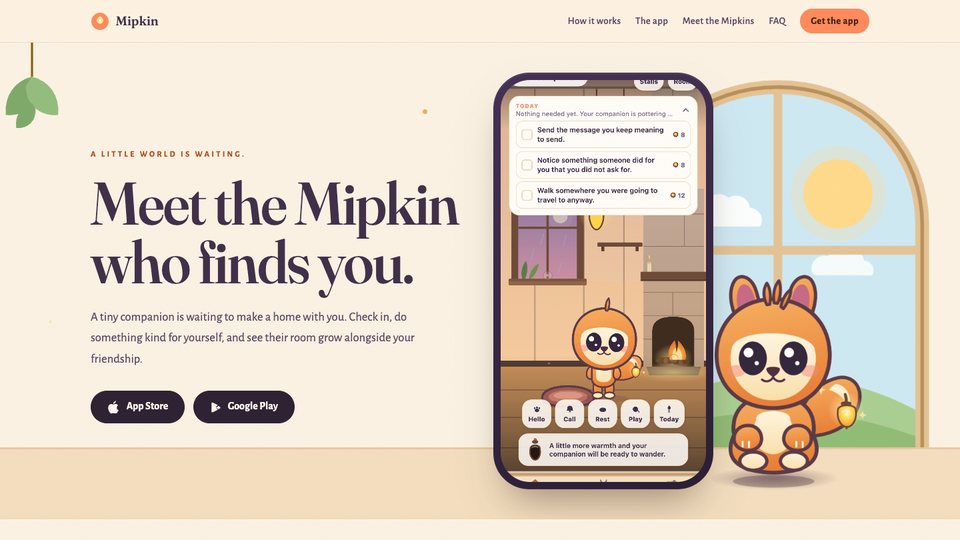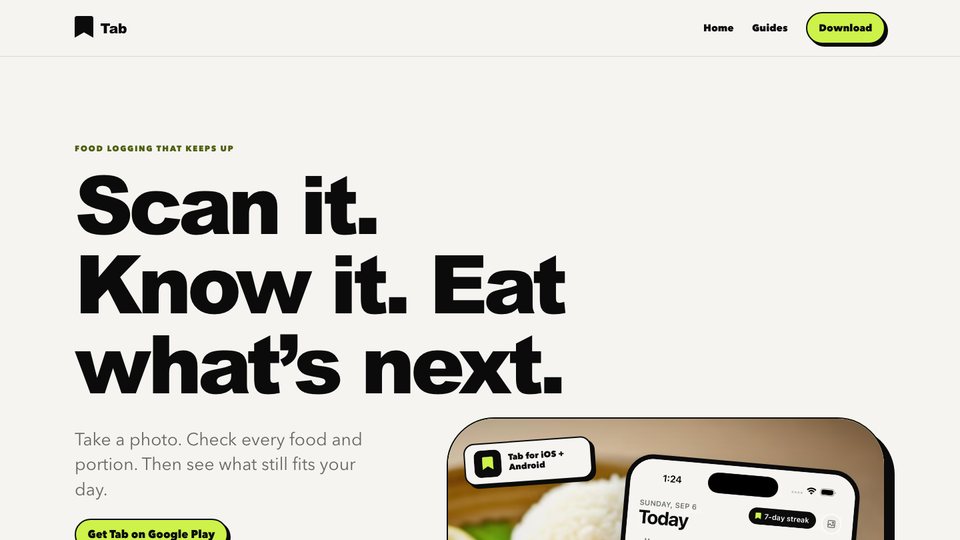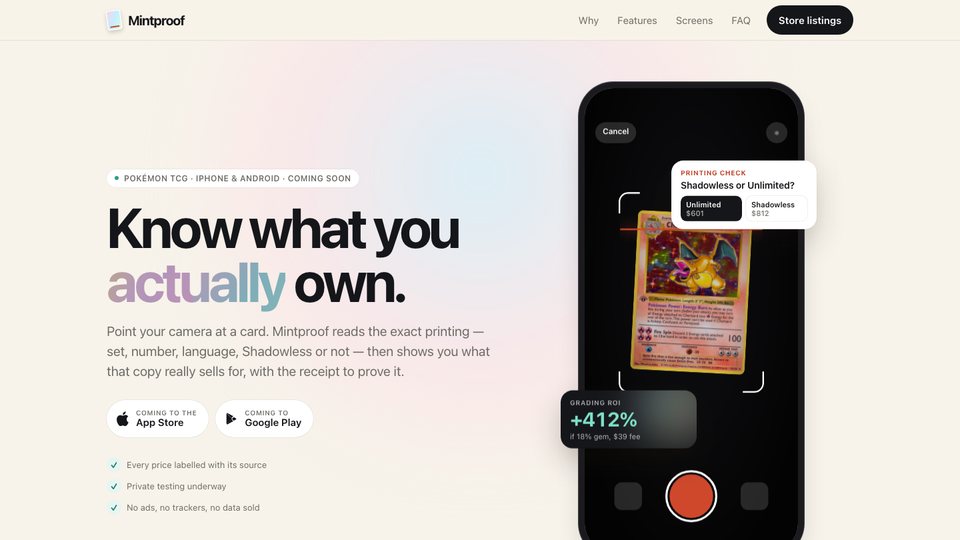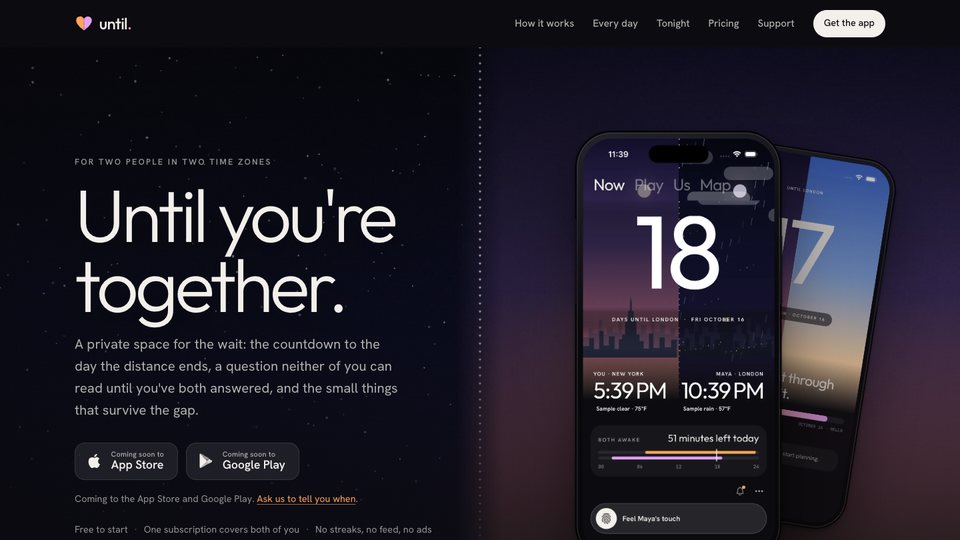
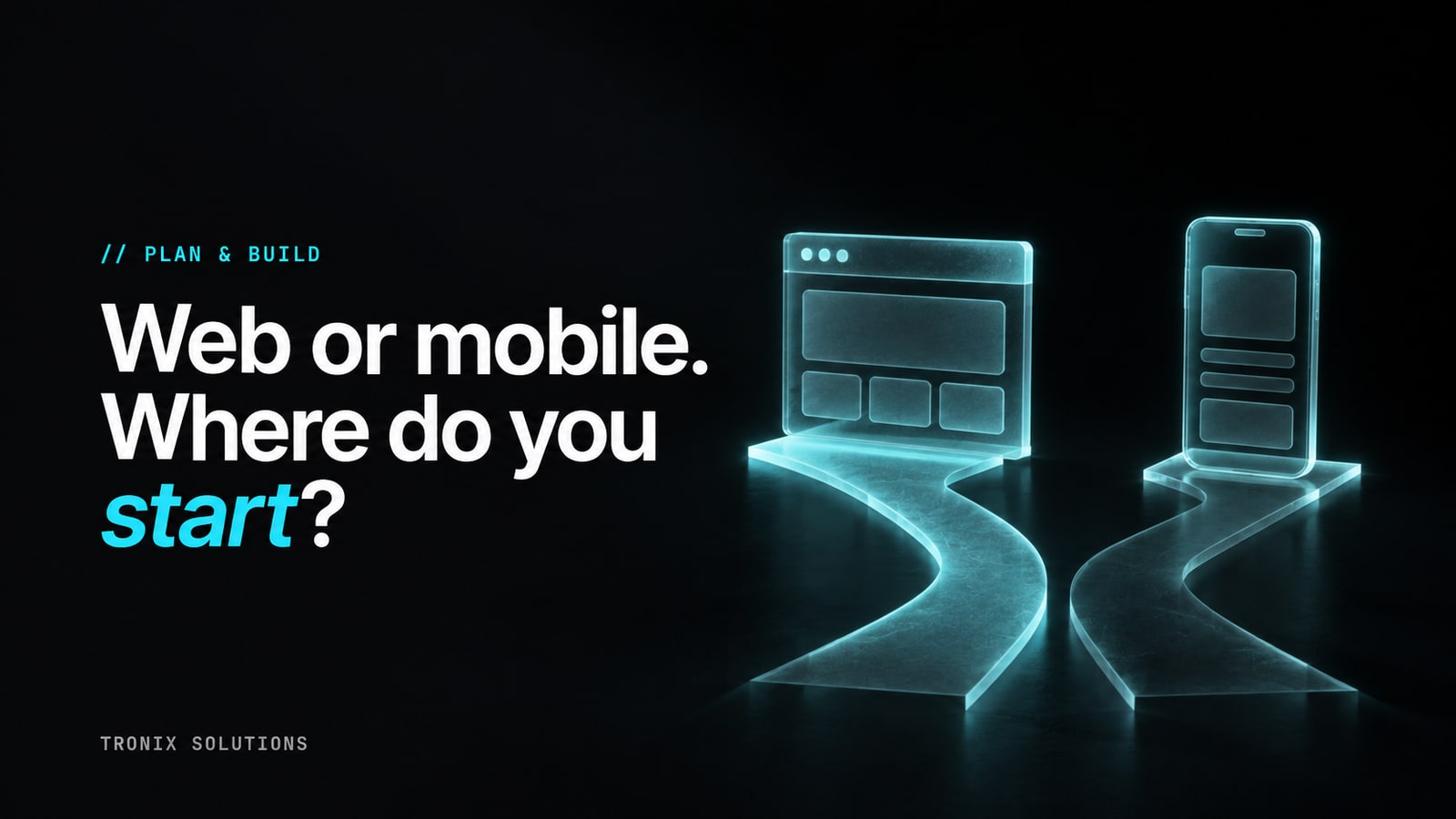
Your app idea might work on a laptop, an iPhone, and an Android phone. That does not mean your first version needs to launch everywhere.
Every platform creates another experience to design, test, release, and maintain. The useful question is simple: where can your first customer get the result they came for with the least friction?
Start with the customer’s day. Then choose the technology that fits it.
1. Write down the moment your app becomes useful
Picture one person using the product. Where are they? What are they holding? What happened immediately before they opened it?
A business owner reviewing invoices at a desk has different needs from a field worker taking photos at a job site. A customer who opens a booking link once a month has different needs from someone recording a daily habit.
Write a sentence: “When ___ happens, this person opens the app to ___.” Then list the steps from opening it to getting the result.
If that sentence is vague, platform selection is premature. Work through validating your app idea first. A clear workflow makes a technology conversation much more useful.
2. Consider web first when access by link matters
A web app is a strong candidate when people arrive through an email, search result, shared link, or invitation. Customers can start in their browser without first completing a store installation.
It can also suit work involving large tables, documents, reporting, and multiple windows. That is why a browser-based first version deserves consideration for a business dashboard, client portal, or specialist software tool.
Web does not automatically mean desktop-only. A responsive product can serve phone users too. Some progressive web apps can be installed and support offline experiences, but those features need deliberate implementation and testing across browsers and devices. MDN explains the capabilities and requirements.
For your shortlist, ask the team to demonstrate the hardest workflow on the actual devices customers use. A polished desktop mockup will not answer a mobile usability question.
3. Consider mobile first when the phone is part of the product
A mobile app deserves a closer look when the experience depends on frequent phone use, a specific device integration, or a familiar on-device workflow.
Think about a repeated photo-capture task, a field workflow with unreliable connectivity, or a product customers expect to open throughout the day. These are reasons to investigate mobile, rather than proof that a browser cannot work.
| Customer workflow | Consider first | Check before committing |
|---|---|---|
| Shared links, reporting, and larger workspaces | Responsive web | The hardest task on a phone as well as a laptop |
| Frequent phone use or specific device integration | Mobile | Device permissions, offline behavior, and store preparation |
| Both surfaces are essential to the core job | Web plus mobile | Which code is shared and which testing remains separate |
Make a list of required capabilities: camera behavior, offline edits, background activity, notifications, location, or integrations with other device services. Ask what each option supports, what permissions users must grant, and what happens when permission is declined.
Then test the risky requirement early. Discovering a limitation in a small prototype is much cheaper than discovering it after the rest of the product depends on it.
4. Include distribution in the decision
A mobile launch includes store preparation and review as well as engineering. Apple’s guidance calls for a working submission, accurate information, and access that allows reviewers to test account-based features. A checklist helps, but it does not guarantee approval. See Apple’s submission guidance.
Map the path from “I heard about this” to “I got something useful.” Count the steps. If the customer must install, register, confirm an email, and complete onboarding before seeing any value, examine whether all those steps are necessary.
Also decide how people will discover the product. A store listing is one part of distribution. You still need a believable route to the people you want to reach.
5. Understand what cross-platform actually buys you
Cross-platform tools can let a team reuse parts of an iOS and Android implementation. They do not remove every platform difference. React Native’s documentation explicitly supports platform-specific components and code. Read the platform-specific guidance.
Ask your builder which parts will be shared and which require separate work. Include testing, accessibility, device permissions, payments, and releases in that discussion.
Avoid choosing a framework solely because someone says it will make every future platform free. The important outcome is a maintainable product that delivers your core experience well.
6. Choose one launch, with a clear reason to expand
You can plan for a second platform without building it immediately. Explain what evidence would justify that investment: customers unable to finish a critical task, repeated requests from a valuable audience, or a workflow that clearly benefits from another device.
The next platform should solve an observed problem. It should not exist only because it appeared in the original feature list.
Bring these answers to your build conversation
- Who is the first customer, and where will they use the product?
- What is the one workflow the first version must complete?
- Which device capabilities are essential?
- How will customers find and open it?
- What will need to keep working without a connection?
- What evidence would justify a second platform?
These answers help a team scope the first release and explain the tradeoffs. You can then compare quotes against the same product, rather than comparing different interpretations of your idea.
Ready to choose your starting point? Book a strategy call to map the first version, or read what drives app development cost.